Oops...

This Page Isn't Live yet

OOPS... This page isn't live yet

How To Create A Layered Sign In Cuttle

Audrey Min

Min2Be Designs

In this workshop, Audrey from Min2Be Designs will guide you through creating a layered template inside Cuttle.xyz. This session is designed to bridge the gap between feeling overwhelmed and understanding how templates actually work, so you can design with clarity and confidence. You will leave with a finished file and a better grasp of how to build clean, customizable designs.

Grab Audrey's file and supply list to do it on your own!

Audrey Min

Audrey Min is the designer and educator behind Min2Be Designs. She specializes in teaching Cuttle in a clear, beginner-friendly way, helping makers move from confusion to confidence when creating clean, customizable templates. Through tutorials and digital products, Audrey focuses on practical workflows that make customization and selling easier for everyday makers, often drawing inspiration from new crafts she explores.

YouTube Icon
Instagram Icon
TikTok Icon

from Min2Be Designs

Cuttle Design Checklist

Grab your free Cuttle Design Checklist: a quick reference guide for creating professional laser-ready templates. This checklist covers essential tools, modify functions, color guide, and the exact workflow I use every time I design. Perfect for keeping next to your workspace so nothing gets missed before you hit export.

from Min2Be Designs

10% off Cuttle Made Simple

As a thank you for attending Laser Craft Fest, enjoy 10% off Cuttle Made Simple. This course was created to bridge the gap between feeling overwhelmed and confidently designing clean, customizable templates.

Use code LCF26 at checkout. Offer valid until April 30, 2026.

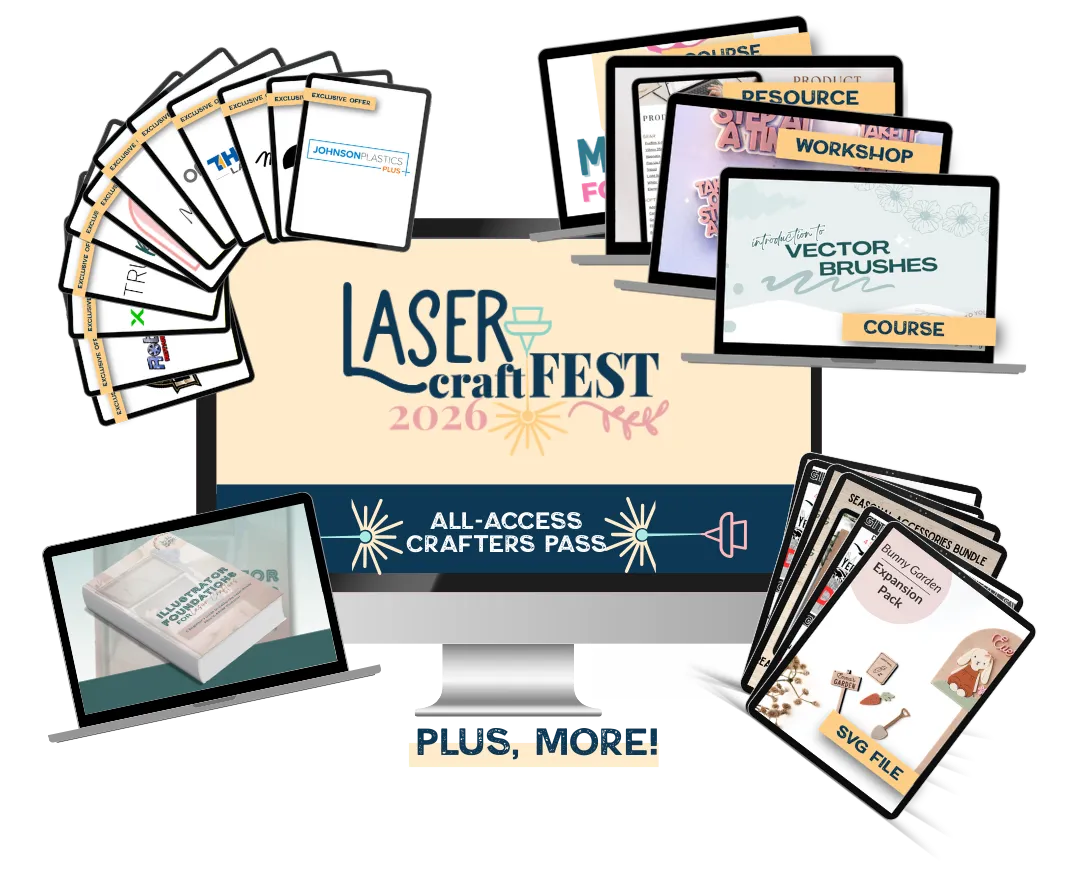
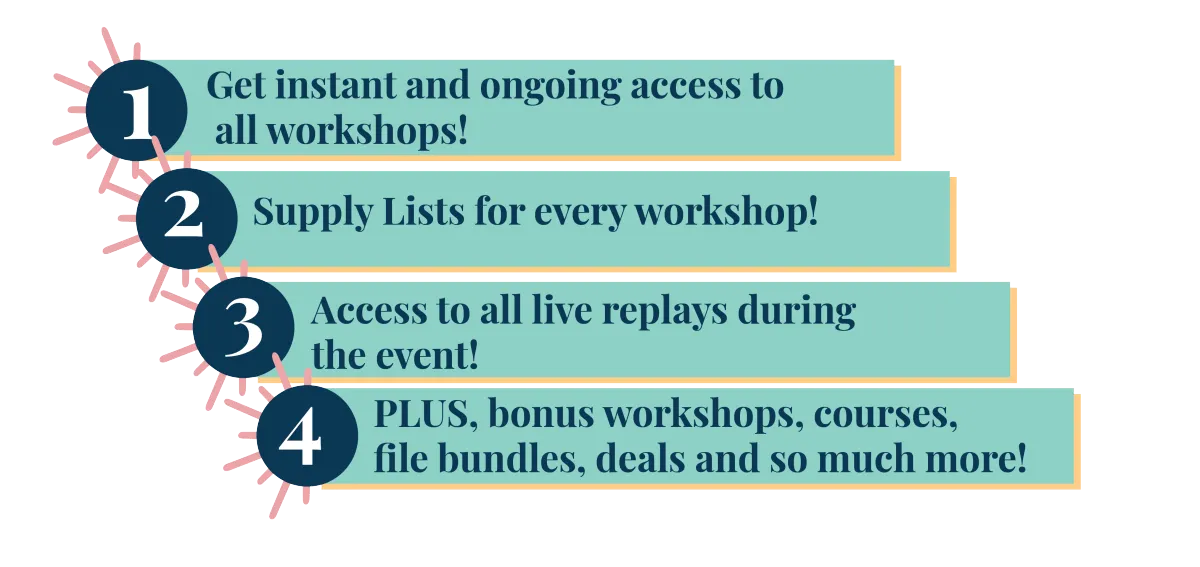
With the All Access Crafters Pass,

the event gets even better!

© lasercraftfest.COM | ALL RIGHTS RESERVED | TERMS & CONDITIONS | FAQ