Oops...

This Page Isn't Live yet

OOPS... This page isn't live yet

Picture Frames, Personalization, and the Power of Virtual Arrays in LightBurn

LightBurn Software

Learn step-by-step how to create your own unique, personalized picture frames, all within LightBurn's powerful editor. We'll cover two methods — first we'll incorporate a small CNC router to cut blanks before laser-engraving them, and then we'll show how you can complete the entire process using only a laser. Along the way we'll go over tons of design tools that you can utilize for any number of projects!

from LightBurn Software

30 DAy trial of Lightburn

LightBurn offers a 30 day free trial with no restrictions. Make some things on us. Have fun - this is the full deal, no watermarks, no limits.

LightBurn is layout, editing, and control software for laser cutters and engravers. As a company founded and run by makers, we know that software should help you bring your ideas to life, not cause headaches or get in your way.

In addition to the quality and capability of our software, we are extremely proud of our reliable support staff, comprehensive documentation and video learning resources, and the incredibly active and helpful community on our forum. Whether you’ve just added a new laser to your shop, or have years of experience, we are always here to help, and can’t wait to see what you make.

TikTok Icon
TikTok Icon
TikTok Icon
TikTok Icon

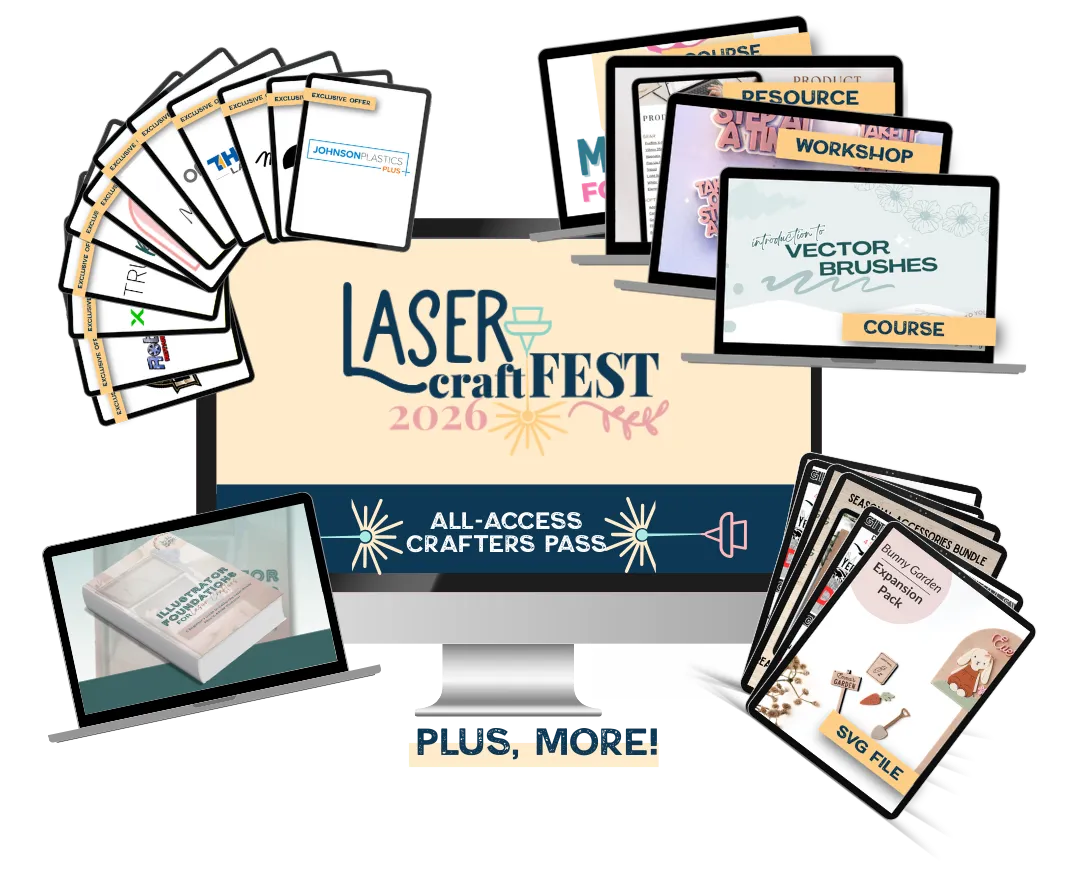
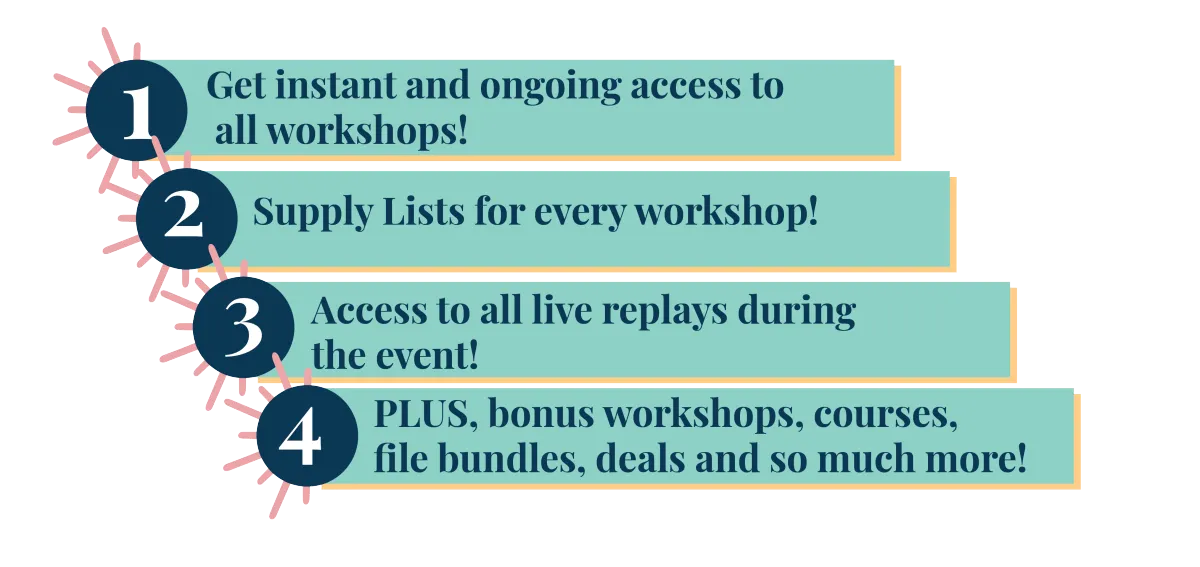
With the All Access Crafters Pass,

the event gets even better!

© lasercraftfest.COM | ALL RIGHTS RESERVED | TERMS & CONDITIONS | FAQ